Frame.io alternatives: 7 tools compared for independent video makers
Frame.io is still a benchmark for getting a video reviewed, but V4, per-member pricing and the lack of DaVinci Resolve support push editors to look elsewhere. Here are seven alternatives compared on the prices from their official pages on 20 October 2026, how they connect to your editing software and where they fall short, plus what Frame.io does better than all of them. We make Noterz, which is on the list: we say so, and we write its limits down like everyone else's.
By Ted, video maker, founder of Noterz · · 13 min read
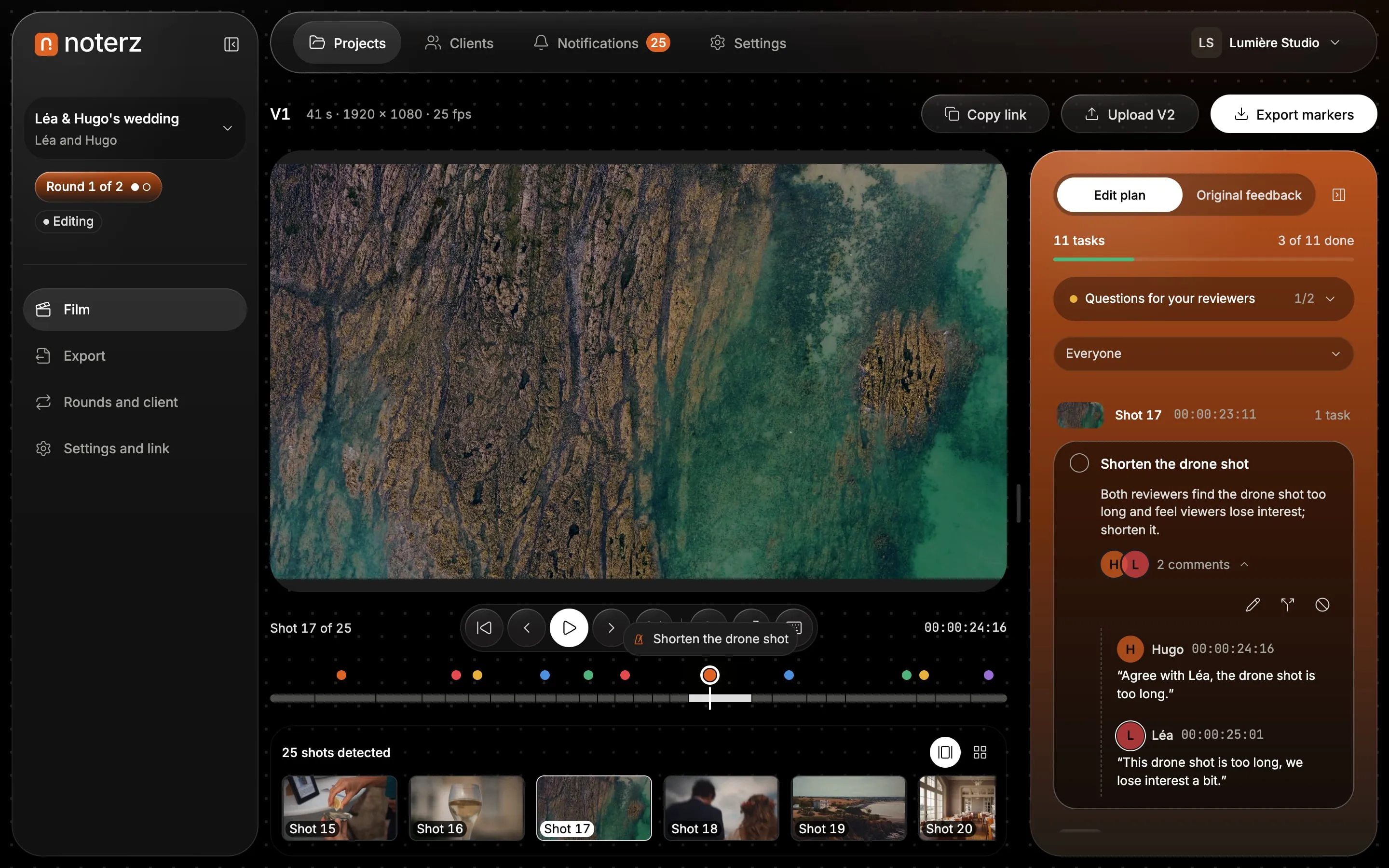
How we ranked them: an independent video maker delivering to a non-technical client
A ranking written by the maker of one of the tools is never neutral, so here are our rules. The profile: an independent video maker or editor, or a very small studio, delivering films to clients who are not in the trade. Five criteria, in this order:
- The client comments without an account, from the moment they open the link.
- Feedback comes back into the editing software (Premiere Pro, DaVinci Resolve, Final Cut Pro).
- The price stays readable for a freelancer: flat plan or per-member price, with what the free plan really allows.
- A real approval process: versions, revision rounds, sign-off.
- Limits, stated: every card has some.
Prices come from each vendor's official pages, checked on 20 October 2026; the sources are listed at the bottom of the page. For another profile (marketing agency, animation, ten-person team) the order changes, and each card says so. We could not read Vimeo's pricing page without logging in, so we mention Vimeo without a price.
Comparison table: price, client without account, link to your editing software
| Tool | Starting price | Free plan | Client without account | Link to editing software |
|---|---|---|---|---|
| Frame.io (reference) | $15 per member per month (Pro) | Yes: 2 members, 2 projects, 2 GB | Yes | Premiere Pro and After Effects panels; Resolve not supported in V4; Final Cut partial |
| Noterz | €19 per month per workspace, VAT included (Solo) | Yes: 1 active project, 5 GB, every feature | Yes | Markers for Resolve (EDL, tested), Premiere and Final Cut (beta), CSV, JSON, PDF |
| Dropbox Replay | €9 per month per user, on top of a Dropbox Plus plan | No | Yes | Comments imported into Resolve Studio and Premiere; Final Cut listed, no detail found |
| Krock.io | $10 per user per month (Pro) | Yes: 1 user, 2 projects, 2 GB | Not stated on the pricing page | DaVinci Resolve Studio plugin announced, not tested |
| Wipster | $9.95 per month (Light, billed yearly) | No | Yes, per the pricing page | Premiere Pro and After Effects panels |
| SyncSketch | $9 per user per month (Indie, yearly) | Yes: 5 users, 2 projects, 1 GB | Sharing with anyone; account not stated | No editing software integration on the page |
| Filestage | €199 per month (Starter) | Yes: 1 active project, 2 GB | Yes (an email address) | Premiere Pro only |
| Ziflow | $199 per month (Standard, yearly) | Yes: 2 users, 2 GB | Not stated on the pricing page | Adobe Creative Cloud plugins |
The 7 best Frame.io alternatives for an independent video maker
1. Noterz (our tool)
- Best for
- The video maker or small studio delivering to a non-technical client who wants sorted feedback, markers in their editing software, counted revisions and a signed approval.
- Price
- Discovery €0 (1 active project, 5 GB); Solo €19 per month (10 active projects, 200 GB); Studio €39 per month (30 active projects, 500 GB). VAT included, per workspace: no per-member price.
- Strengths
- The client comments shot by shot, with no account and no app, and can draw on the frame.
- Every note has a type (cut, rhythm, audio, text, colour, other) and an intensity chosen by the client.
- When a round closes, AI groups the notes into a tick-off edit plan and keeps the client's own words.
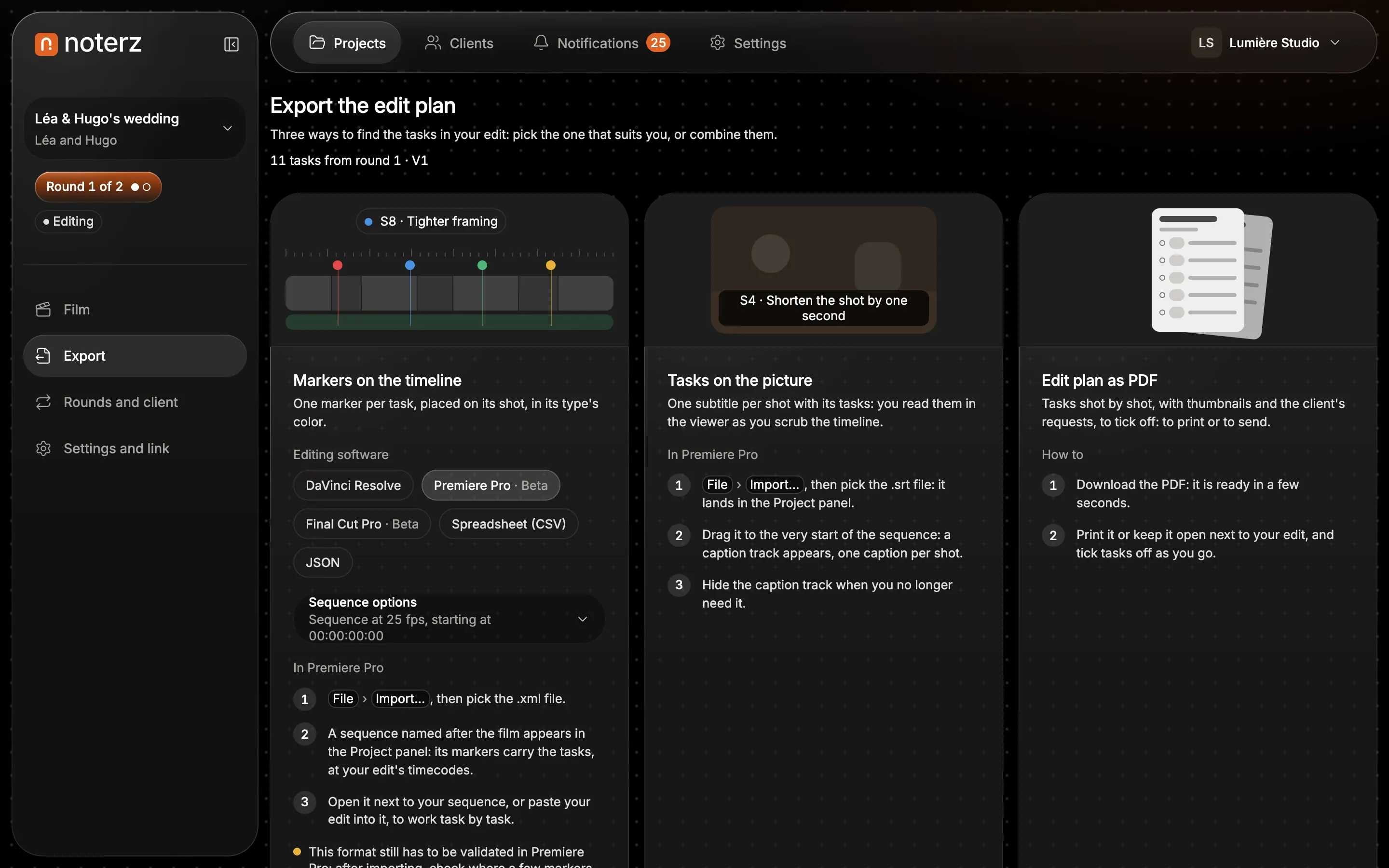
- Markers for Resolve, Premiere and Final Cut, plus CSV, JSON and PDF.
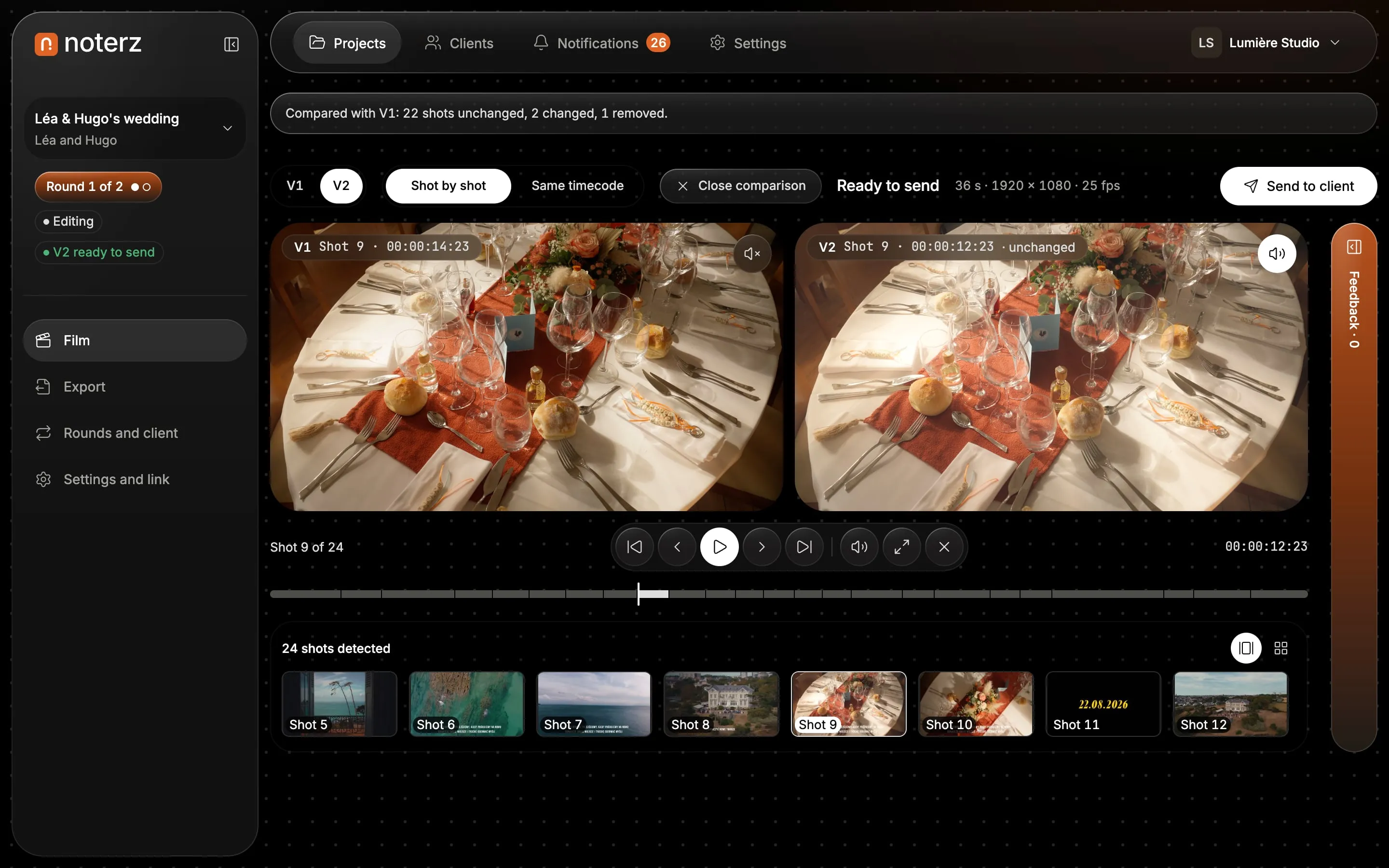
- Counted rounds ("Round 2 of 2 included"), before / after between two versions, signed delivery approval.
- Films hosted in the European Union; your links under your own brand.
- Limits
- Resolve is tested end to end; the Premiere and Final Cut exports are in beta, not yet validated on real edits.
- No panel inside your editing software: you import a file each round.
- Video only: no PDFs or images to review.
- No Camera to Cloud, no multi-step approval for large teams.
- A young product, built by a solo founder.
2. Dropbox Replay
Official website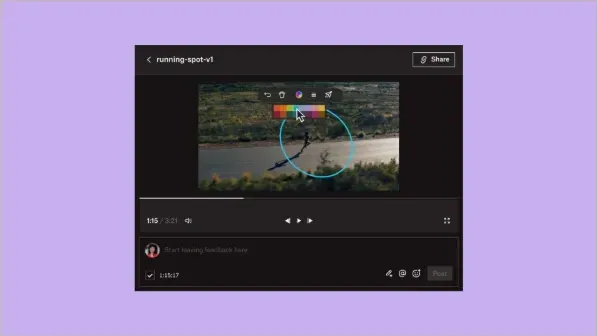
- Best for
- Anyone already paying for Dropbox who wants simple review links, with solid Resolve Studio and Premiere integration.
- Price
- €9 per month per user (€11 without the annual commitment), as an add-on to a Dropbox Plus plan or above.
- Strengths
- Review links with no sign-up, watermark included on paid plans.
- Resolve Studio: comments arrive on the timeline and your markers go back to Replay.
- Low price for a single user.
- Limits
- Does not work with the free version of Resolve, and only imports the current version.
- Depends on a Dropbox subscription.
- Final Cut Pro is listed but we could not find the details.
3. Krock.io
Official website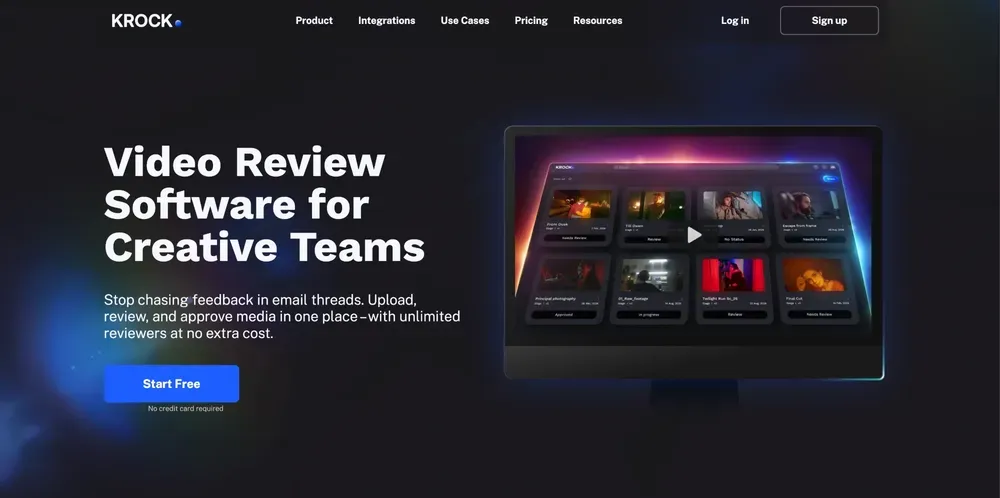
- Best for
- The editor who wants a free plan and a low price, with unlimited reviewers.
- Price
- Free (1 user, 2 projects, 2 GB); Pro $10 per user per month, from 2 TB.
- Strengths
- Unlimited reviewers and a low entry price.
- Announces a DaVinci Resolve Studio plugin.
- Limits
- We did not test the Resolve plugin or confirm that it sends markers back.
- The pricing page does not say whether the reviewer must create an account.
- Few native integrations, according to The Digital Project Manager.
4. Wipster
Official website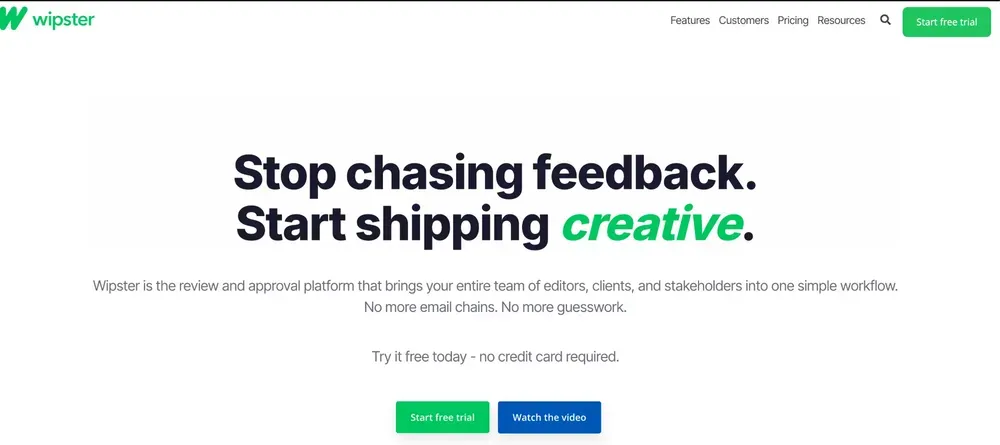
- Best for
- Small creative teams working in Premiere Pro or After Effects.
- Price
- Light $9.95 per month ($11.95 month to month), 50 GB; Team $19.95 per user per month, billed yearly. No free plan.
- Strengths
- Unlimited reviewers, simple interface.
- Premiere Pro and After Effects panels.
- Per its pricing page, clients do not need to sign up.
- Limits
- No free plan, only a trial.
- Neither Resolve nor Final Cut on the pricing page.
5. SyncSketch
Official website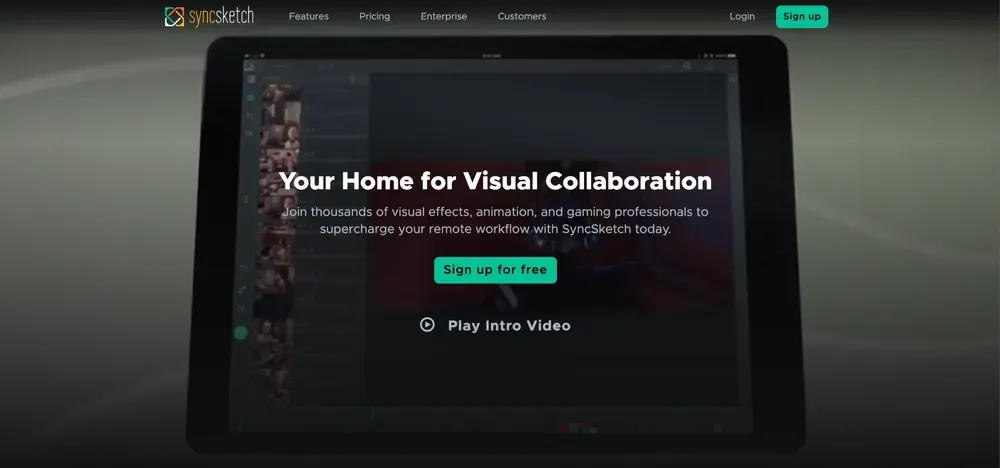
- Best for
- Animation and visual effects studios: drawing on the frame, 3D, version tracking.
- Price
- Light free (5 users, 2 projects, 1 GB); Indie $9 per user per month, yearly; Team $19.
- Strengths
- Advanced drawing and annotation tools.
- A free plan for 5 users.
- Limits
- Built for animation and games.
- No editing software integration on its pricing page.
6. Filestage
Official website- Best for
- Marketing teams getting videos, PDFs and images approved by several people, in several steps.
- Price
- Free (1 active project, 2 GB); Starter €199 per month; Business €329 per month. 14-day trial.
- Strengths
- Multi-step approval, every format.
- Reviewers need no account: an email address is enough.
- Limits
- A plan built for a team, not a freelancer.
- Premiere Pro is the only editing software mentioned.
7. Ziflow
Official website- Best for
- Agencies and large teams that want approval workflows and version comparison.
- Price
- Free (2 users, 2 GB); Standard $199 per month (15 users); Pro $329 per month, yearly.
- Strengths
- Multi-format proofs and workflows.
- Adobe Creative Cloud plugins, even on the free plan.
- Limits
- Enterprise-platform pricing, oversized for a freelancer.
- The pricing page does not say whether the reviewer must create an account.
Vimeo Review often shows up in comparisons: it is a logical choice if you already host your films on Vimeo, but it was not designed for post-production. We do not rank it because we could not check its prices.
What Noterz does that Frame.io does not offer, based on their public pages
Frame.io reviews files between professionals, and does it very well. Noterz is video review and approval software built for delivering to a client who is not in the trade. On the public Frame.io pages we read on 20 October 2026, we did not find these five things:
- Typed notes with an intensity, chosen by the client: a task's priority comes from that choice, never from interpreting the text.
- A tick-off edit plan, written by AI when the round closes. It only groups notes from the same shot and the same type, keeps the client's original wording, asks at most five questions when a note is unclear, invents no shot or timecode and never touches the edit.
- Markers numbered by shot for Resolve, Premiere and Final Cut, plus a PDF of the edit plan.
- Counted rounds: "Round 2 of 2 included", so the revisions in the quote stay visible to both sides.
- A signed delivery approval from the decision-maker, dated, with a link to download the final film.
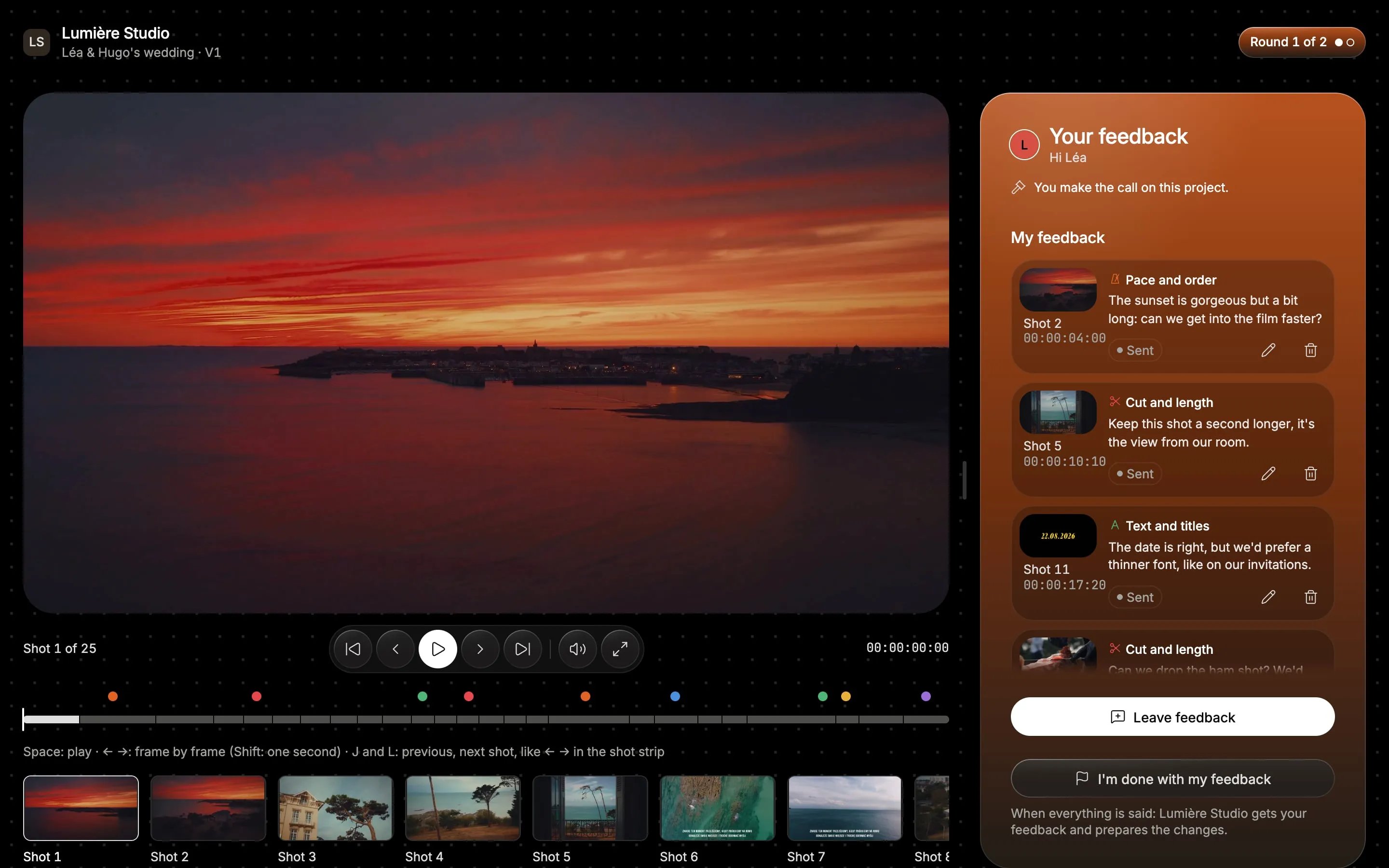
On your side, the notes arrive already grouped. You then export the round to your editing software: one marker per task, placed on its shot, in the colour of its type.
What Frame.io does better than Noterz, and when to keep it
Being fair also means saying where Frame.io stays ahead. There are several cases where we would tell you not to switch:
- The Premiere Pro panel. Since Premiere 25.6, comments sync live as markers in your timeline. Noterz asks you to import a file each round.
- Camera to Cloud. Frame.io receives rushes straight from the camera; Noterz only handles review and delivery.
- Storage. Pro starts at 2 TB; Noterz Solo has 200 GB.
- Teams. Frame.io handles up to 15 members on Team, with roles and metadata; Noterz is built for one video maker or a very small studio.
- Enterprise security. DRM and forensic watermarking exist at Frame.io, on Enterprise.
- Creative Cloud. If you already pay for Creative Cloud, Frame.io is included (2 users, 5 projects, 100 GB).
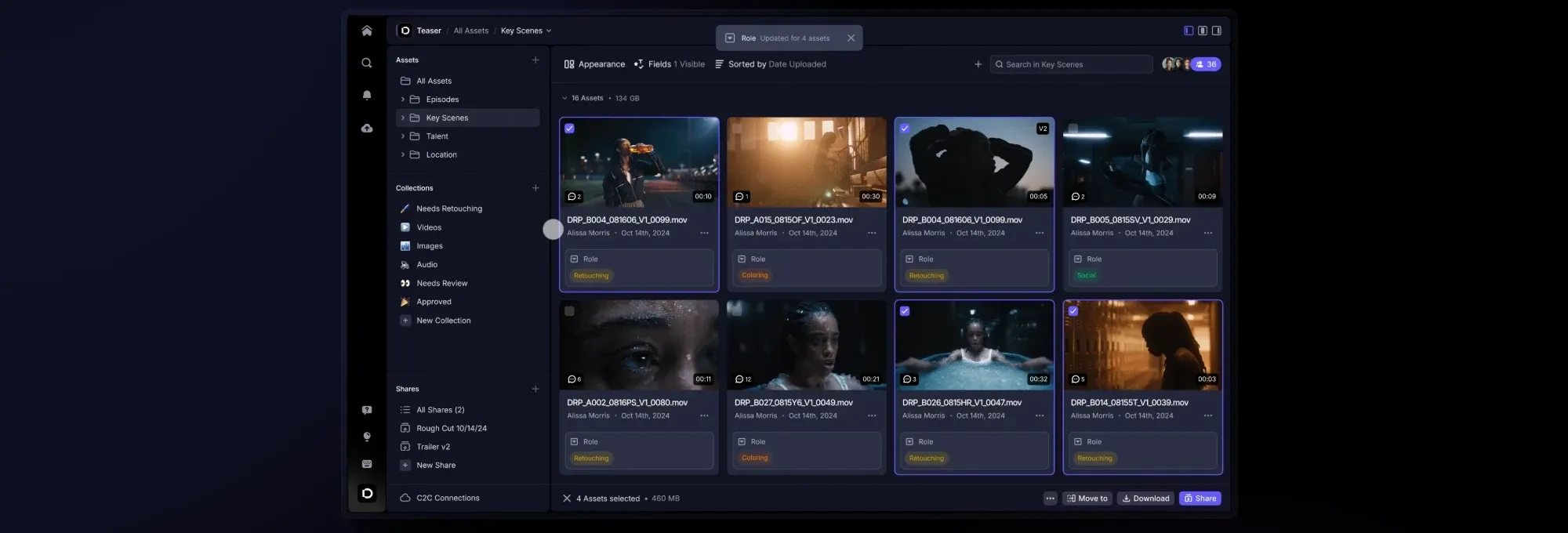
Stay on Frame.io if you work in a team in Premiere Pro or After Effects, if you receive rushes through Camera to Cloud or if you already subscribe to Creative Cloud. Look elsewhere if you deliver to non-technical clients, cut in Resolve or feel the per-member price eating into your margin.
What does each option really cost? Not always less with us
For a lone editor, Frame.io Pro ($15 per month, before tax) costs about the same as Noterz Solo (€19 VAT included) and gives far more storage. On that criterion alone Frame.io is not more expensive, and you should keep it.
The gap appears as you add members: with 5 members, Frame.io Pro comes to $75 a month, and Team is $25 per member. Noterz does not charge per member: the plan is per workspace, and your clients never pay. If you want the lowest entry price, Krock.io ($10), Wipster Light ($9.95) and Dropbox Replay (€9) are cheaper than Noterz Solo, for different uses.
On the free side, five plans exist: Frame.io (2 members, 2 GB), Krock.io (2 GB), Ziflow (2 GB), SyncSketch (1 GB) and Noterz Discovery (1 active project, 5 GB, every feature). None replaces a subscription once you handle several films: try them on a real project.
Which alternative should you choose for your situation?
- You cut in DaVinci Resolve and deliver to individuals or companies: Noterz (EDL tested), or Dropbox Replay if you have Resolve Studio.
- You want the cheapest option: Frame.io's free plan, Krock.io or Wipster Light.
- Your client approves several versions and you want to count revisions: Noterz.
- You are a team in Premiere Pro: Frame.io, or Wipster.
- You already subscribe to Dropbox: Dropbox Replay.
- You work in animation or visual effects: SyncSketch.
- You get marketing assets of several formats approved: Filestage or Ziflow.
Why leave Frame.io? Three good reasons, and one bad one
Frame.io moved its Free, Pro and Team accounts to V4 in June 2026. That version changed pricing, integrations and habits. Here is what really justifies looking elsewhere, and what does not.
Reason 1: the price follows the number of members
Frame.io's free plan covers 2 members, 2 projects and 2 GB. After that, Pro costs $15 per member per month (up to 5 members) and Team $25 per member per month (up to 15 members); beyond that you are on Enterprise, by quote. Storage grows with members: 2 TB included on Pro, plus 2 TB for each extra member. Annual billing saves 13%. These prices are shown before tax on Frame.io's pricing page.
Reason 2: DaVinci Resolve is no longer supported
This is the clearest reason for an editor working in Resolve. It has its own section just below, because frame.io documents it in black and white.
Reason 3: V4 took some habits away
The V4 migration guide lists the changes: review links from the old version can no longer be edited (you duplicate them to get a new address), public link invitations, the Vimeo and Dropbox integrations and archive storage are gone, and teams become workspaces with new roles. If your process leaned on one of those, migrating is a good moment to compare.
The bad reason: the client without an account
Many comparisons fault Frame.io for making clients create an account. That is wrong: according to frame.io, Share links require no sign-up and no login. Name and email are asked only after the first comment and kept for the session. So a client without an account is not a reason to leave. What differs between tools is what happens after the comment: how it is sorted, how it comes back into your edit, and how delivery gets approved.
Frame.io V4 and DaVinci Resolve: what the official guides say
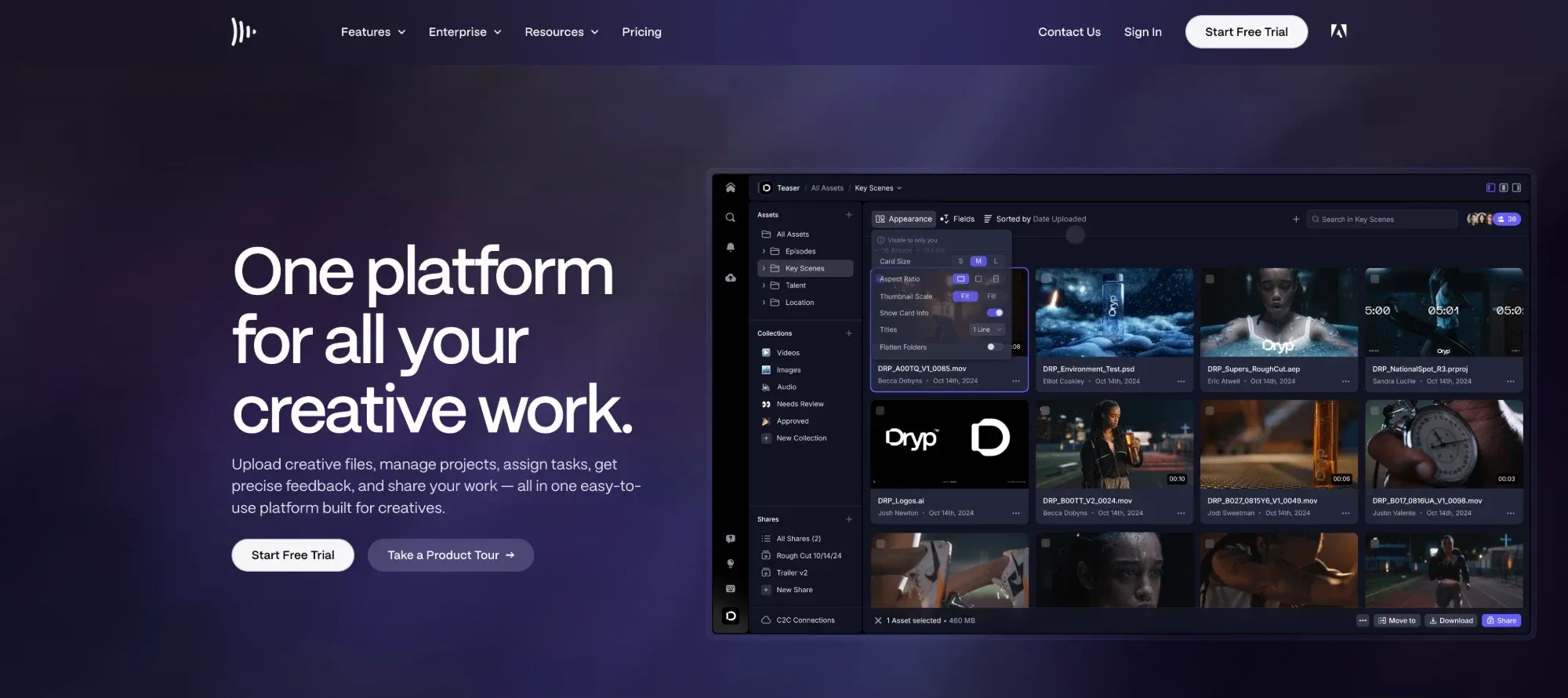
Both of frame.io's V4 migration guides state that DaVinci Resolve will not be supported. The old integration sits in the "Legacy" collection and is limited to Resolve 16 and 17 Studio. The official workaround: upload your files to Resolve and import Frame.io comments as an EDL. See the V4 migration guide and the Legacy integration page.
For other software the picture is more nuanced. Premiere Pro has a native V4 panel from Premiere 25.6 that syncs comments as timeline markers. Final Cut Pro is partial: creating a V4 project from Final Cut's share destination is not supported, but uploading with the Frame.io Mac app works.
Without Frame.io, some tools send markers back into Resolve: Dropbox Replay (Resolve Studio only), Noterz (an EDL file, which we tested) and, from Blackmagic, Cloud Presentations, which publishes a timeline to a review link and brings comments back onto it. We have neither tested Cloud Presentations nor checked its price: try it if you already live in the Blackmagic ecosystem.
Frequently asked questions about Frame.io alternatives
What is the best free alternative to Frame.io?
Frame.io keeps a free plan (2 members, 2 projects, 2 GB). Krock.io, Ziflow, Filestage, SyncSketch and Noterz Discovery (1 active project, 5 GB, every feature) also offer one, all with limited storage. Try them on a real film before choosing.
Does Frame.io work with DaVinci Resolve?
Not in V4, according to frame.io's migration guides: DaVinci Resolve is not supported there. The suggested workaround is to import comments as an EDL; check that EDL export is available on your account before migrating.
Does my client need an account to comment on Frame.io?
No: Frame.io Share links require no sign-up and no login. They enter their name and email after their first comment.
Is Frame.io included in Creative Cloud?
Yes, according to frame.io: the Creative Cloud plan includes Frame.io for 2 users, with 5 projects, 100 GB and unlimited reviewers. Beyond that you need a Frame.io subscription.
What happens to my comments if I switch tools?
Export them before you cancel: V4 lets you export as CSV or plain text, and print as PDF. To carry the history into another tool, check whether the vendor publishes a migration guide; Krock.io does, we did not find one for the others.
Can I import feedback into Final Cut Pro?
With Noterz, yes: an FCPXML file, in beta. Frame.io V4 is partial (Final Cut's share destination is not supported, uploading with the Mac app works). Dropbox Replay lists Final Cut, with no detail we could find.
Where are my films hosted?
With Noterz, in the European Union. We did not record where the other tools host files: check their pages if your clients require it.
Sources
- Frame.io: pricing · checked on October 20, 2026
- Frame.io: moving to V4 (Free, Pro and Team accounts) · checked on October 20, 2026
- Frame.io: DaVinci Resolve integration (Legacy) · checked on October 20, 2026
- Frame.io: Premiere Pro V4 panel · checked on October 20, 2026
- Frame.io: Share links · checked on October 20, 2026
- Frame.io: printing and exporting comments · checked on October 20, 2026
- Frame.io: Creative Cloud plan · checked on October 20, 2026
- Dropbox Replay: plan and pricing · checked on October 20, 2026
- Dropbox Replay: DaVinci Resolve · checked on October 20, 2026
- Krock.io: pricing · checked on October 20, 2026
- Wipster: pricing · checked on October 20, 2026
- SyncSketch: pricing · checked on October 20, 2026
- Filestage: pricing · checked on October 20, 2026
- Ziflow: pricing · checked on October 20, 2026
- Blackmagic: Cloud Presentations · checked on October 20, 2026